
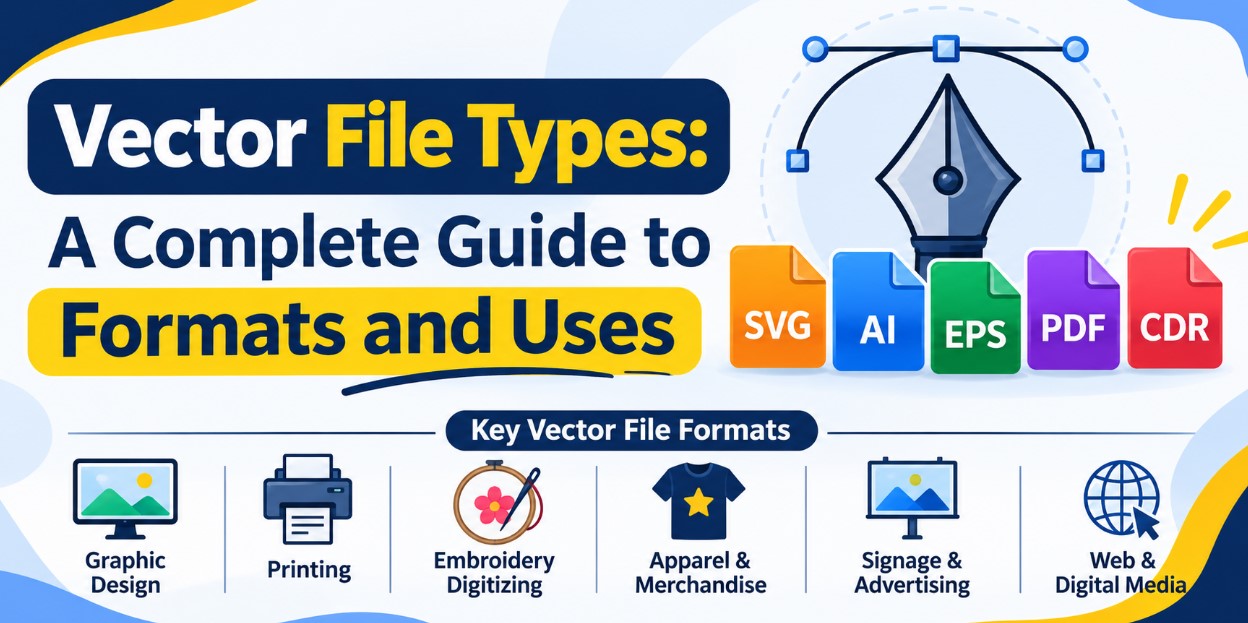
Graphic design is an essential part of modern communication, from business logos and website graphics to product packaging and printed marketing materials. Choosing the correct image format is important because it affects image quality, editing flexibility, compatibility, and overall performance. Among the available graphic formats, vector graphics are widely used because they maintain their visual quality regardless of size.
Understanding different vector file types helps designers, businesses, and content creators select suitable formats for their creative projects. Whether you are preparing a digital illustration, designing a logo, or creating artwork for professional printing, knowing how vector formats work can improve your workflow and final results.
What Are Vector File Types?
Vector file types are digital formats that store images using mathematical equations, geometric shapes, points, lines, and curves rather than individual pixels. These elements work together to create graphics that can be resized without losing their original clarity.
Unlike raster images, which may become blurry or pixelated when enlarged, vector graphics retain smooth edges and sharp details at different dimensions. For example, a vector logo can be used on a small business card or a large advertising banner without requiring a separate high resolution version.
Vector graphics are commonly used for logos, icons, illustrations, typography, diagrams, technical drawings, and other designs that require accurate scaling and editing.
6 Common Vector File Types and Their Uses
Different vector formats offer different features depending on the software, design requirements, and intended application. Understanding their characteristics makes it easier to select the right option.
1. SVG (Scalable Vector Graphics)
SVG is a widely used vector file format, particularly for websites and digital applications. It uses XML based code to describe graphic elements such as shapes, paths, colors, and text.
One of its main advantages is scalability. SVG graphics maintain their quality across different screen sizes and resolutions, making them suitable for responsive websites and mobile applications.
SVG files are also generally lightweight and can be edited using compatible graphic design software or code editors. They are commonly used for website icons, logos, diagrams, and interactive illustrations.
2. AI (Adobe Illustrator Artwork)
AI is a vector file format designed for creating and editing professional digital artwork. It supports multiple design elements, including layers, paths, text, shapes, and visual effects.
This format is particularly useful for detailed illustrations, branding materials, typography, and logo design. AI files preserve important editing information, allowing designers to make changes without rebuilding the entire project. However, accessing all editing features may require compatible design software.
3. EPS (Encapsulated PostScript)
EPS is an established graphic format commonly used in professional printing and publishing. It can contain vector illustrations, text, and embedded raster images. One of its major benefits is compatibility with various professional design and printing workflows.
It is often used for logos, advertisements, illustrations, and print related artwork. Although EPS remains useful for certain production requirements, it is an older format with limitations compared to some modern vector formats.
4. PDF (Portable Document Format)
PDF is commonly associated with digital documents, but it can also preserve vector graphics. It is frequently used for sharing illustrations, brochures, business cards, technical documents, and print ready designs.
A PDF file can maintain fonts, colors, layouts, and vector elements when exported with suitable settings. This helps ensure that artwork appears consistent across different devices and operating systems. PDF is a practical option when delivering completed designs to clients, colleagues, or printing professionals.
5. CDR (CorelDRAW File)
CDR is a vector graphic format used for creating and editing professional illustrations and designs. It supports vector objects, text, layers, colors, and other essential graphic elements. This format is commonly associated with signage, banners, packaging, promotional materials, vehicle graphics, and business stationery.
Its editing capabilities make it useful for projects that require frequent adjustments. However, full compatibility generally depends on using suitable design software.
6. DXF (Drawing Exchange Format)
DXF is a file format developed for exchanging technical drawings between computer aided design applications. It is widely used in engineering, architecture, manufacturing, and technical design. DXF files can contain geometric information such as lines, curves, dimensions, and other drawing elements. They are particularly useful when transferring technical designs between different applications or preparing artwork for compatible cutting and manufacturing equipment.
How to Choose Right Vector File Format
Selecting an appropriate vector format depends on your project's purpose and technical requirements. For website graphics and responsive digital content, SVG is often a suitable choice. If you need to create or edit detailed illustrations, an editable professional design format may be more appropriate. PDF is useful for sharing completed artwork and preparing documents for printing.
EPS can be considered when working with established printing workflows, while CDR is useful for projects involving compatible vector editing software. DXF is generally more appropriate for engineering and manufacturing applications. Before selecting a format, consider software compatibility, editing requirements, file size, intended output, and the specifications provided by your printing or production service.
Frequently Asked Questions About Vector File Types
1. What Are the Most Common Vector File Types?
The most common vector file types include SVG, AI, EPS, PDF, CDR, and DXF. Each format serves different purposes, including website graphics, professional illustrations, printing, and technical drawings.
2. Which Vector File Format Is Best for Printing?
PDF and EPS are commonly used for professional printing. The appropriate choice depends on the printing service, required specifications, color settings, and compatibility with the production workflow.
3. Can Vector Files Be Converted Into Raster Images?
Yes. Vector files can be exported into raster formats such as PNG, JPEG, and TIFF. During conversion, the selected resolution determines the output image quality.
4. Are Vector Graphics Better Than Raster Images?
Neither format is universally better. Vector graphics are suitable for scalable illustrations, logos, and icons, while raster images are generally better for photographs and detailed textures. The right option depends on the intended application.
Conclusion
Vector file types are important for creating flexible, scalable, and professional digital graphics. Formats such as SVG, AI, EPS, PDF, CDR, and DXF provide different capabilities for web design, illustration, printing, and technical applications.
Understanding their features and limitations helps designers choose suitable formats for individual projects. By considering image quality, editing flexibility, software compatibility, and final output requirements, you can make better decisions and maintain consistent results across digital and printed materials.
Source: https://zdigitizing.com/vector-file-formats-types-and-their-practical-uses/
 Never miss a story from us, get weekly updates in your inbox.