
It was a Monday, of course. Priya from accounts had sent the same email three times since Friday: her laptop wouldn't connect to the VPN, and month-end close was two days away. The first email went to the IT manager, who was on leave. The second went to a shared inbox nobody had checked over the weekend. The third, sent at 9:12 a.m., had "URGENT!!!" in the subject line and the CFO in copy.
By 9:30, three people were working on the same problem without knowing about each other. By 10:00, one of them had reset her password, which locked her out of everything else. By lunch, Priya had stopped trusting IT, and IT had stopped trusting email.
If that story feels familiar, you're not alone. Most growing companies don't decide to run support through inboxes and chat messages. It just happens, one "quick favour" at a time, until it doesn't work anymore.
The quiet cost of "just email us"
Email feels free, which is exactly why it gets expensive. When requests arrive as loose messages, a few predictable things go wrong:
- Nobody owns the request. A message sitting in a shared inbox belongs to everyone, which means it belongs to no one.
- Priority is decided by volume, not impact. The person who shouts loudest gets helped first, while a quiet but critical issue waits.
- Employees chase updates. With no way to see progress, people send follow-ups, and every follow-up becomes one more message for the team to read.
- Managers fly blind. There are no numbers on how many issues came in, how long they took, or which ones keep coming back.
None of this is a people problem. Priya's IT team was capable and willing. What they lacked was a single place where every request lands, gets an owner, and moves forward where everyone can see it.
What good helpdesk support actually feels like
Ask employees what they want from internal helpdesk support and the answers are surprisingly modest. They want to know their request was received. They want to know who has it. And they want to stop having to ask, "Any update?"
Support teams want something just as simple: one queue instead of five inboxes, a clear sense of what's urgent, and enough context in each ticket that they don't have to go back and ask for a screenshot.
That's the whole job of a ticketing system. The trouble is that many tools built for this job add a new problem: yet another platform, another login, another place where company data lives outside your control.
Why SharePoint is a natural home for support
If your organisation already runs on Microsoft 365, your people already live in SharePoint, Outlook, and the rest of the suite every day. Building support inside that environment, rather than beside it, removes a lot of friction.
That's the idea behind a SharePoint Helpdesk like CV Helpdesk from CodeVision. Instead of asking employees to learn a new portal, it lets them raise a ticket from SharePoint or simply by emailing a support address. Both routes feed one queue, so Priya's VPN problem would have landed in one place, once.
From there, a few things change the story completely:
- Department-wise routing. IT tickets go to IT, payroll questions go to HR, and nobody has to forward anything by hand.
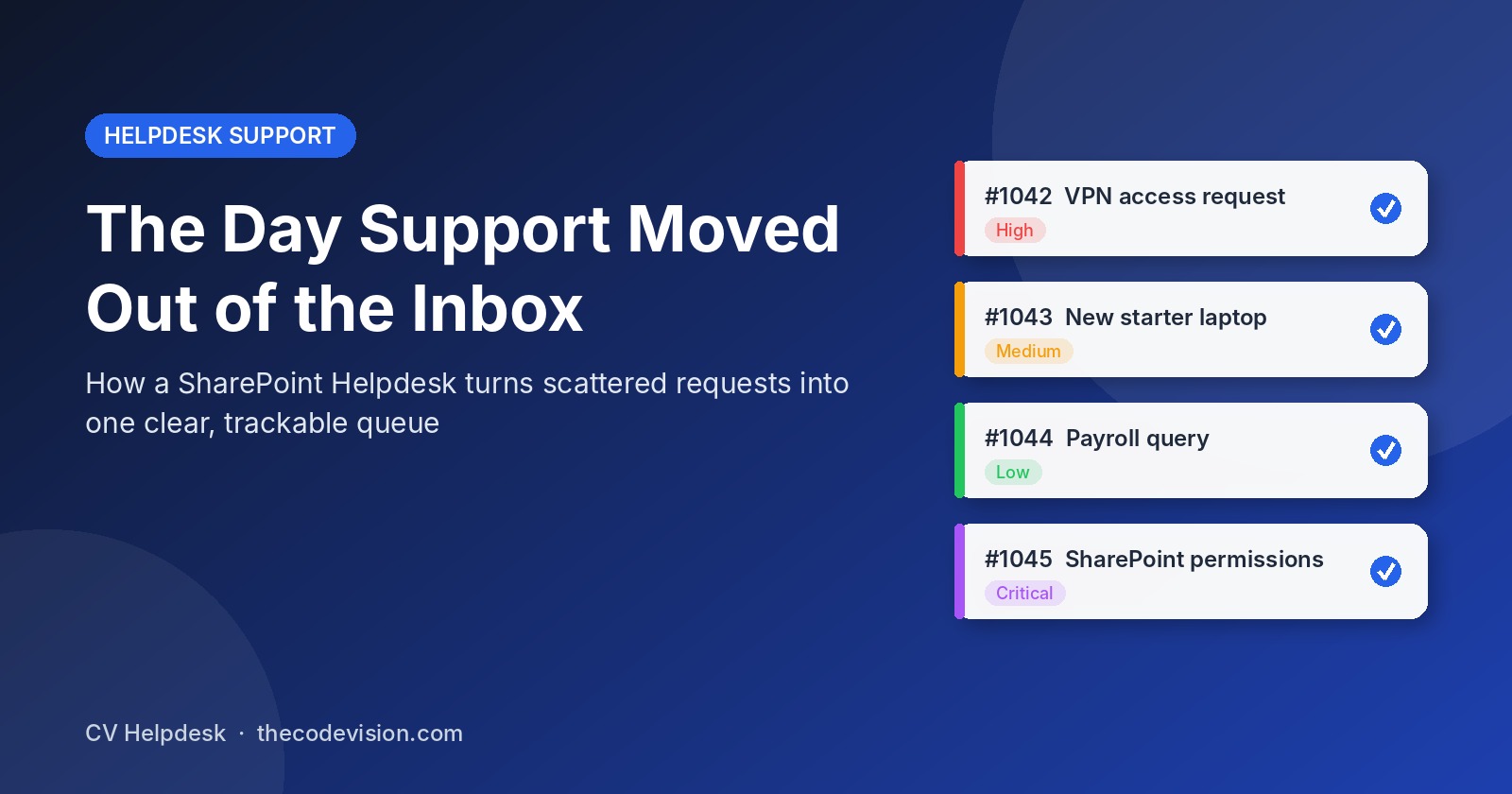
- Clear priority levels. Low, Medium, High, or Critical. A month-end VPN failure is flagged for what it is.
- Live status tracking. The requester can see where their ticket stands, which quietly kills the "any update?" email.
- Threads, notes, and attachments. Conversations stay inside the ticket, agents can leave internal notes the requester doesn't see, and screenshots travel with the request.
- Automatic notifications. Power Automate sends alerts when a ticket is created, assigned, updated, or resolved.
- Dashboards and Excel export. Open tickets, resolution times, and agent workloads become visible, and data can be exported for audits.
Because everything runs inside your own Microsoft 365 tenant, support data stays where the rest of your company data already lives. For teams in finance, healthcare, or anywhere compliance matters, that's not a nice-to-have.
Rewriting Priya's Monday
Let's run that Monday again. On Friday evening, Priya emails the support address. A ticket is created automatically, tagged to IT, and marked High because of the month-end deadline. She gets a confirmation with a ticket number.
On Monday morning, the agent on duty sees it at the top of the queue. He asks for a screenshot of the error inside the ticket thread. She attaches it, he spots an expired certificate, and he fixes it before 10:00. Priya gets a "resolved" notification. The CFO never hears about it, which is exactly how support should feel.
Nothing heroic happened. The difference was that the request had a home.
Choosing helpdesk solutions without overcomplicating it
If you're comparing helpdesk solutions for an internal team, a few questions cut through the noise:
- Will people actually use it? A tool that lives where employees already work has a far better chance than one that needs a separate login.
- Where does the data live? If keeping data in your own environment matters, check this before anything else.
- How does pricing scale? Per-agent pricing can punish you as you add HR, admin, and facilities teams. A flat tenant licence avoids that.
- Can you change it without developers? Categories, branding, and notification rules should be settings, not projects.
- Can you try it first? A free tier lets you test the flow with a real team before committing.
The takeaway
Support chaos rarely comes from a lack of effort. It comes from requests having nowhere to go. Give them one place to land, a clear owner, and a visible status, and most of the frustration disappears on its own.
Priya still sends emails, by the way. She just doesn't need to put "URGENT!!!" in the subject line anymore.
 Never miss a story from us, get weekly updates in your inbox.