
Your favorite picture of yourself may be a tiny face in a spectacular landscape. Your friends remember the trip. Someone seeing your dating profile for the first time has a more immediate question: which person am I looking at?
A useful profile makes that introduction easy, then gives someone a few reasons to start a conversation. You can do this with a phone, a friend, and a little planning. An expensive shoot is optional.
The seven changes below cover both the individual picture and the story your pictures tell together. The goal is a set that looks like you on a good, ordinary day, with enough detail for another person to imagine meeting you.
This article was prepared for Looksmax Scale; an optional tool reference appears at the end.
Make the introduction easy
1. Give the first photo one clear job
Choose a recent solo picture where someone can recognize your face without zooming in. Keep your eyes visible and leave enough room around your head for the app's crop. A photograph can look excellent in your camera roll and lose half your face in a narrow profile preview.
Bumble's photo guidance emphasizes recognizable, current pictures. Use that as a practical selection rule: would someone looking for you at a coffee shop know whom to approach?
Try your opening photo at thumbnail size before settling on it. If sunglasses, a hat brim, or a busy background hide what matters, move that picture later in the lineup. A group shot can communicate friendship once viewers already know which face is yours.
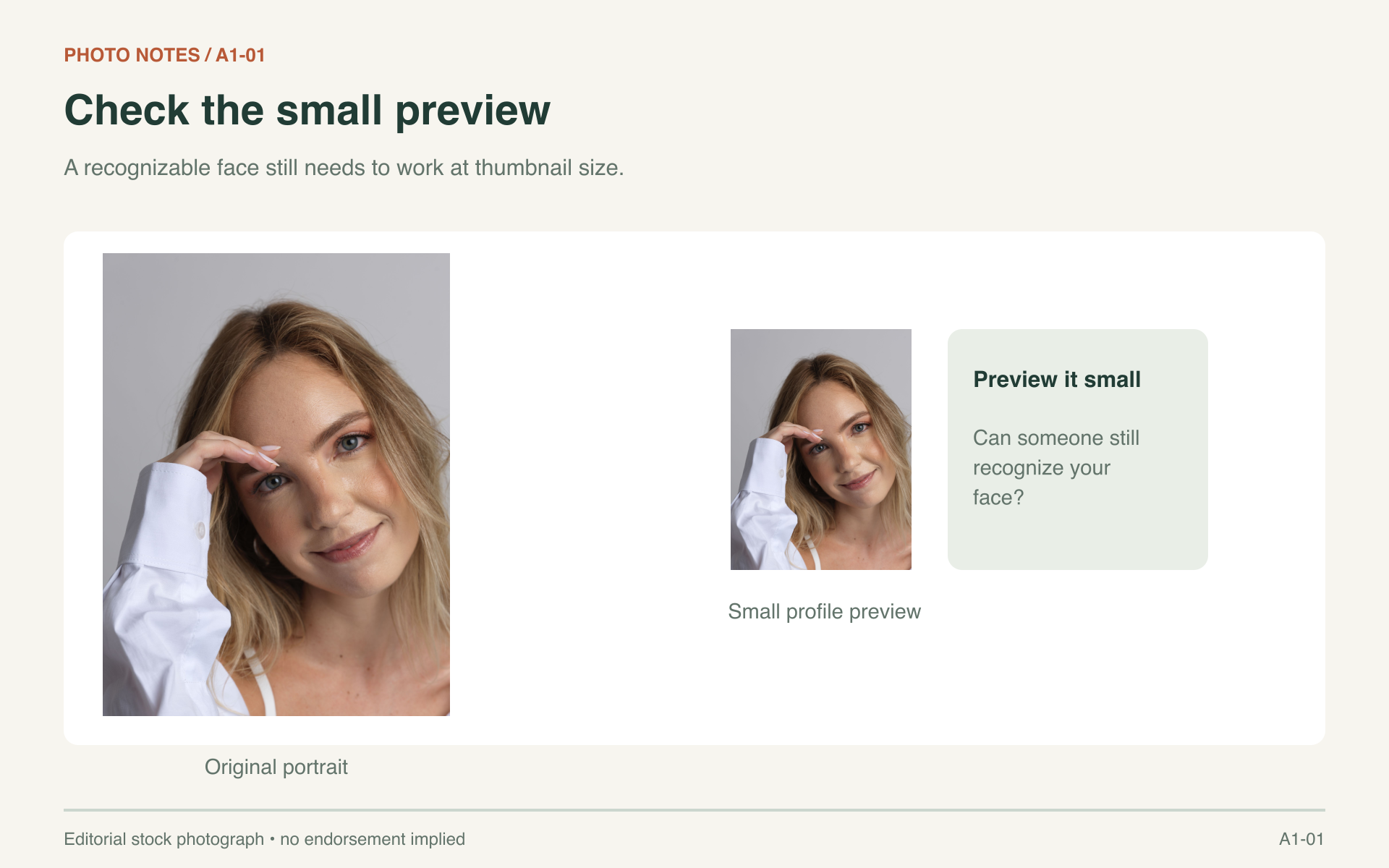
Stock photo: Augusto Carneiro Junior / Pexels. Recognition example; no endorsement implied.
2. Choose a distance that gives your face some space
An arm bent close to your face places the phone much nearer your nose than your ears. That viewpoint changes the proportions recorded in the image. Extending your arm helps, but a timer and a stable support give you more freedom.
Start with the camera several feet away, around five feet if space allows. Take a wider image and crop afterward if the file has enough detail. Check focus on your eyes and keep your face near the center of the frame.
If a friend is helping, ask them to move back before zooming or cropping to restore the composition. You want to change where the camera sees you from, then decide how much of the scene to include.
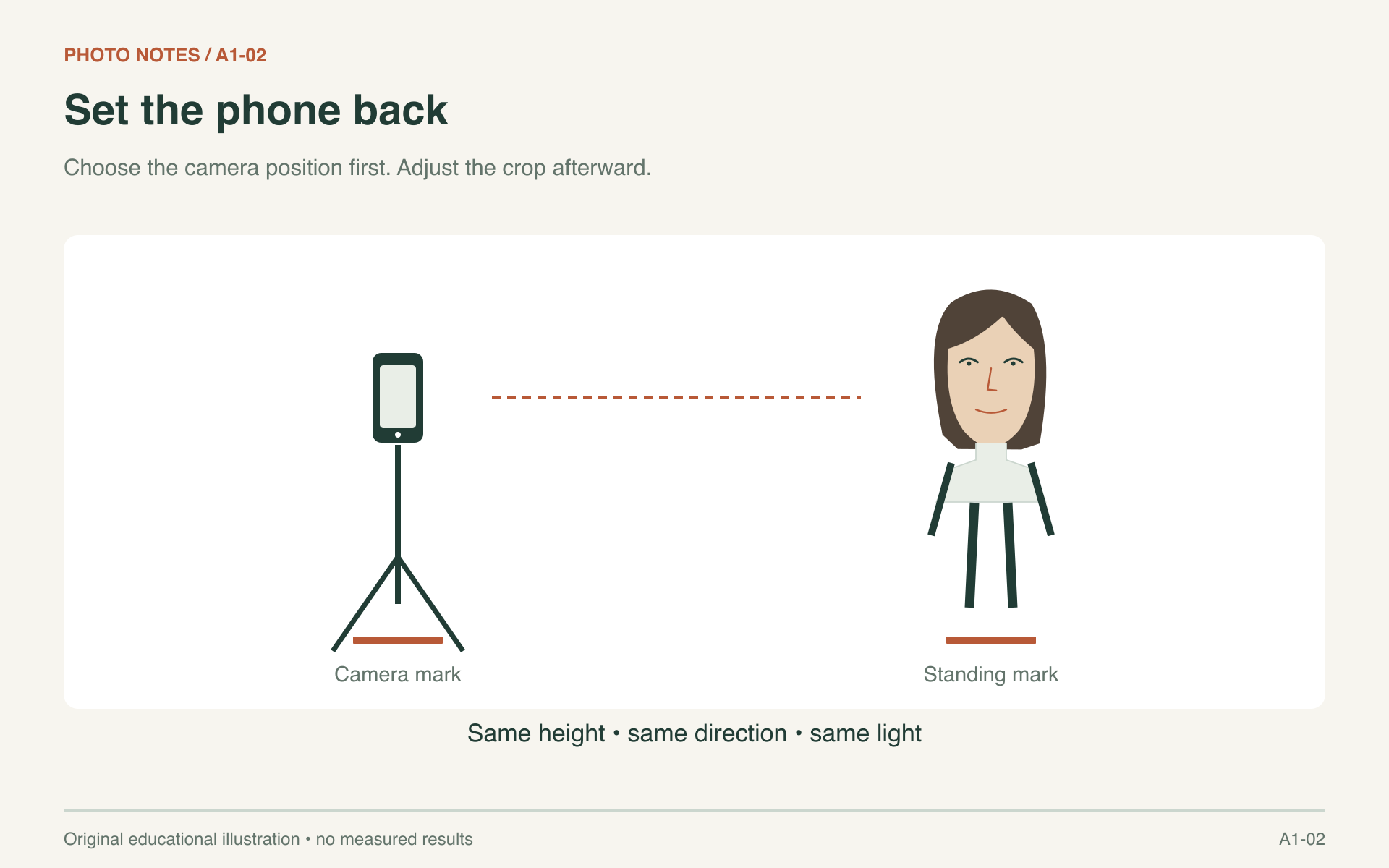
A schematic setup: place the camera back, then choose a crop.
Work with your face and the available light
3. Try a small change in head position
Take a straight-on picture, then turn slightly to either side while keeping the camera in place. Compare the results. A small turn changes which cheek and jaw contours you see, so one position may suit the picture better.
Let your shoulders relax. Avoid pushing your chin dramatically forward or lifting it so far that you have to look down at the lens. Ask a friend to point out when a pose starts looking strained; it is easy to miss that while concentrating on your screen.
For a personal profile, choose the position where your expression feels believable. Save a neutral, straight-on photograph separately if you want to compare facial measurements over time. Those two pictures serve different purposes.
4. Look for soft light you can repeat
A large window can be a convenient place to start. Face toward it, check whether one side of your face disappears into shadow, and adjust your position. Outdoors, open shade often makes it easier to avoid squinting than direct midday sun.
Watch the background as well as your face. A bright window behind you may leave you dark, depending on how your phone exposes the scene. Tap your face to set focus and inspect the resulting brightness before taking a whole series.
Lighting can affect what viewers notice: a study of standardized facial photographs found that changing the light angle affected some appearance ratings. A dating photo still leaves room for atmosphere. Start with readable light, then keep a more dramatic picture if it adds something useful to your profile.
Give viewers something human to respond to
5. Spend more effort on expression than retouching
A perfectly clean background will not rescue a picture in which you look uncomfortable. Instead of holding a smile while counting down, have your friend ask a question, tell a short story, or take a few frames while you are talking. Keep the moments that look like expressions you actually make.
Research on portrait aesthetics found that smiling could improve evaluations of the photograph itself under the study's conditions. Try a relaxed smile alongside other familiar expressions and compare the pictures.
Adjust brightness or straighten a tilted frame if needed. Be cautious with edits that change facial shape or erase recognizable features. Compare the edited version with the original at normal viewing size. You should still expect someone to recognize you immediately in person.
6. Let later pictures supply conversation material
Once your face is clear, show a little of your life. Pick an activity you genuinely enjoy and a setting that adds information: cooking something you like, walking a familiar trail, visiting a museum, or playing a sport.
The details should give someone an opening beyond “nice photo.” A visible recipe, a favorite place, or a project you made can do that. You do not need to invent a more adventurous routine for the camera.
Look at the whole set for repetition. Several nearly identical selfies use space without telling viewers much more. Mix a clear portrait with a wider view and an activity picture when you have suitable images. Ask permission before including identifiable friends, and follow the app's current photo rules.
Choose a set, then stop tinkering
7. Compare pictures using a specific question
Make a small shortlist. Ask a trusted friend which picture looks most like meeting you, which expression feels most approachable, and which image would give them something to ask about. Specific questions produce more useful feedback than asking whether you look attractive.
If you also use a facial geometry score, give it a separate job. Compare measurements from similarly posed reference images. A score does not measure the appeal of your expression, your interests, or your chances of a match.
Use human feedback to judge the introduction your pictures make. If you want to compare a measurement, keep distance and head position similar and read it alongside the picture. Avoid discarding a lively, recognizable image simply because another one produces a higher geometric score.
Finish by previewing the set in the app. Check the crop, the order, and whether every picture adds something. Then put the phone away. A clear portrait and a few honest glimpses of your life give another person enough to decide whether they want to say hello.
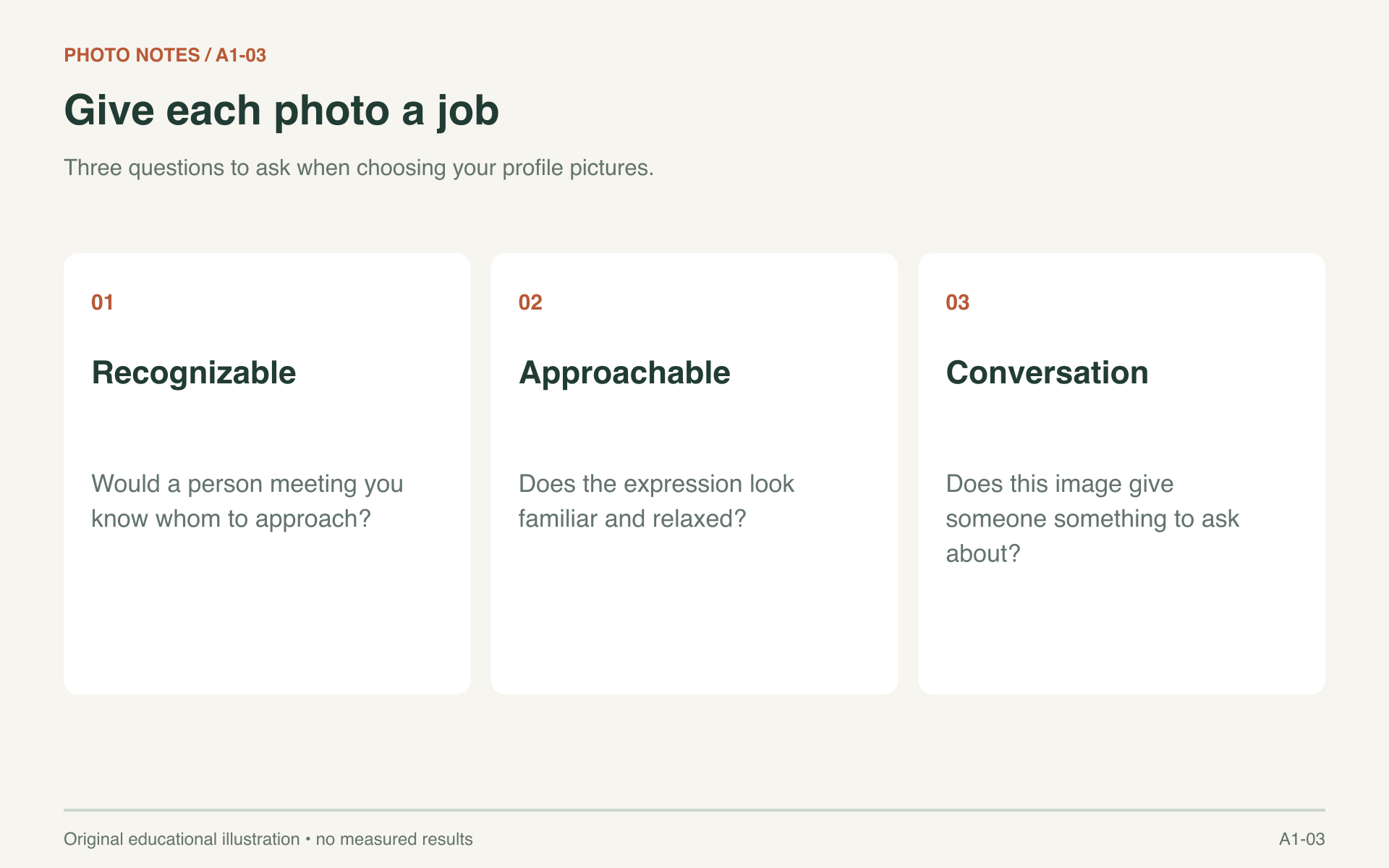
Give each picture a different role in the set.
Disclosure: This article was prepared for Looksmax Scale. Its attractiveness test is the optional geometry tool discussed here.
 Never miss a story from us, get weekly updates in your inbox.